
If a guest wants an invoice made out to their company, you issue it from the receipt. It's an e-invoice in ZUGFeRD format (EN 16931): a PDF with the invoice data embedded as XML. From 2027/2028, this will be mandatory for invoices over €250 to businesses.
Rechnung ausstellen
- In the dashboard, open Reports → Receipts and select the day.
- Öffne den Beleg und tippe auf „Rechnung auf Firma“.
- At the top you see the invoice amount with net and VAT. You can import previous customers.
- Fill in the fields:
- Firma (Pflicht)
- z. Hd.
- Street and house number (required)
- ZIP code and city (required)
- Land
- Customer's VAT ID
- Order number or Leitweg-ID
- Email for the invoice
- Note on the invoice
- Tap "Issue and send by email" or "Issue only".
If an invoice already exists for the receipt, orderhero shows it and you can download the PDF. If the details are wrong, cancel the invoice and issue it again.
Fehlen Firmendaten für den Aussteller, weist dich die Seite darauf hin. Ergänze sie dann unter Einstellungen → Design & Branding im Bereich Unternehmen. Sie gehören auf jede Rechnung.
Manage invoices
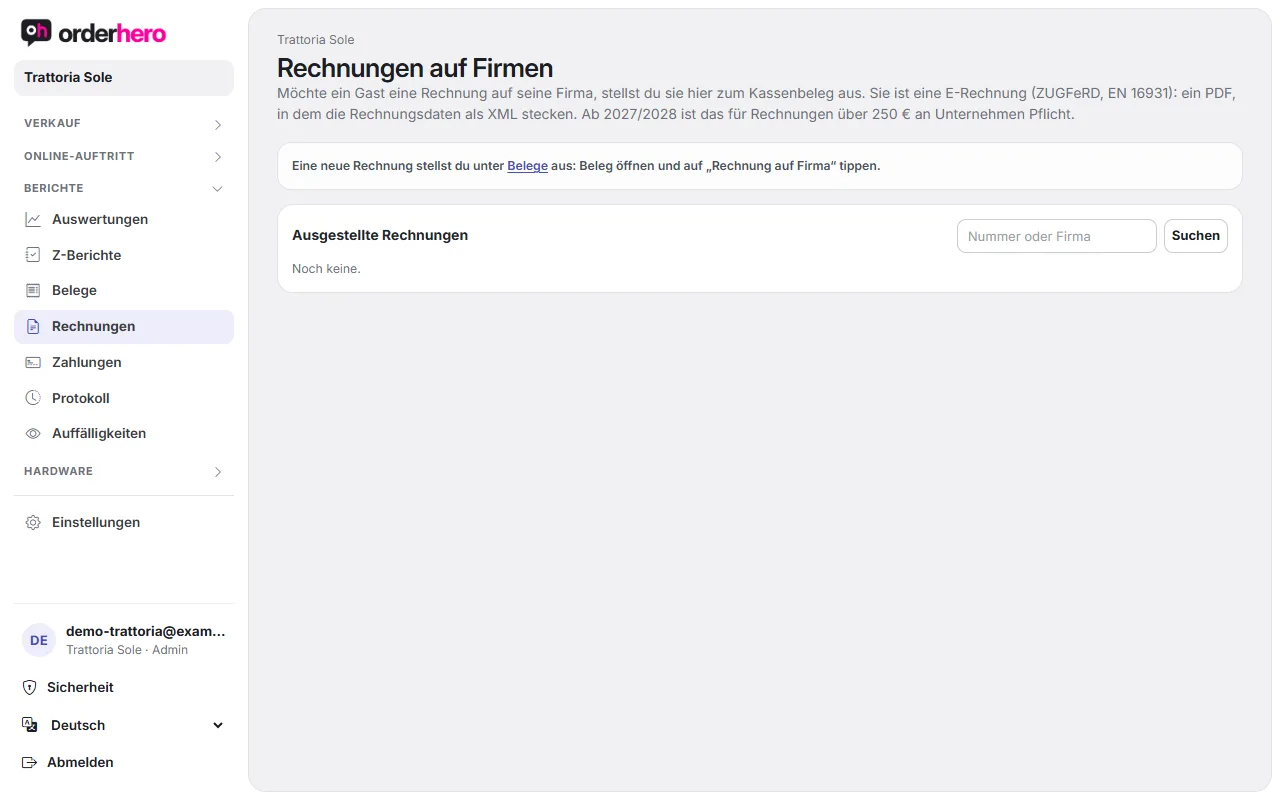
Reports → Invoices lists all issued invoices with number, date, company, amount and status. You can search and, for each invoice:
- Download PDF (ZUGFeRD)
- Download XRechnung (XML)
- Send by email
- void
The most recently issued invoice is at the top with direct links.
View receipt
On the receipt page you'll also find "Print", "PDF" and "By email" to print or send the receipt yourself. "Invoice to company" is available there for all receipts except Z-reports.