
The POS for iPhone, iPad and Android
Floor plan, quick sale, courses and split bills. Fast during service, clean in accounting, with TSE and DATEV export.
Included in all plans, from 79 € per month.
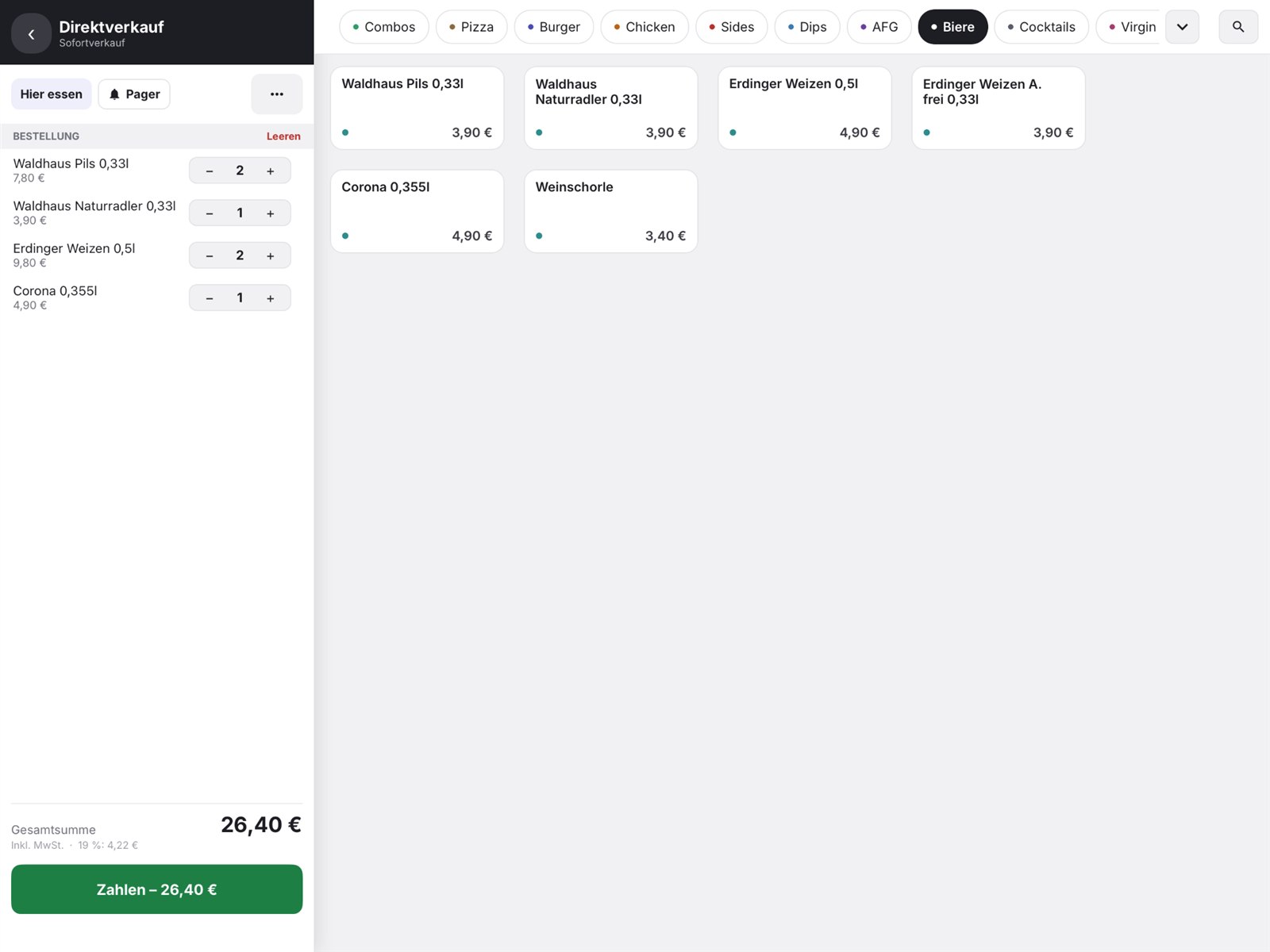
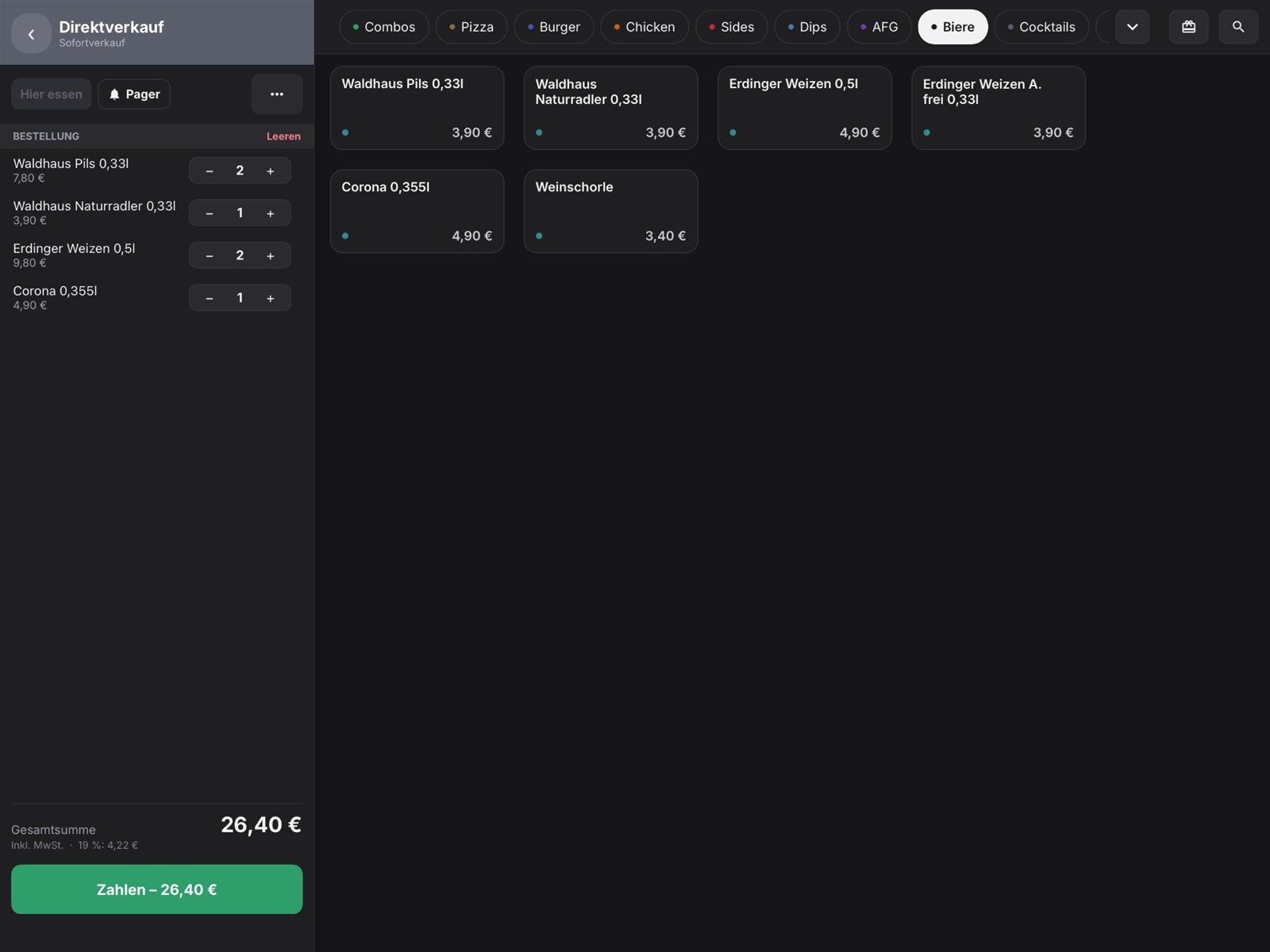 LightDark
orderhero runs directly on the Stripe Reader S710
The card reader is also your POS: take orders, send them to the kitchen and accept card payments, all with one device in your hand. Ideal as a handheld for service, on the terrace or at events.
- Order and take payment right at the table
- Card, Apple Pay and Google Pay on the same device
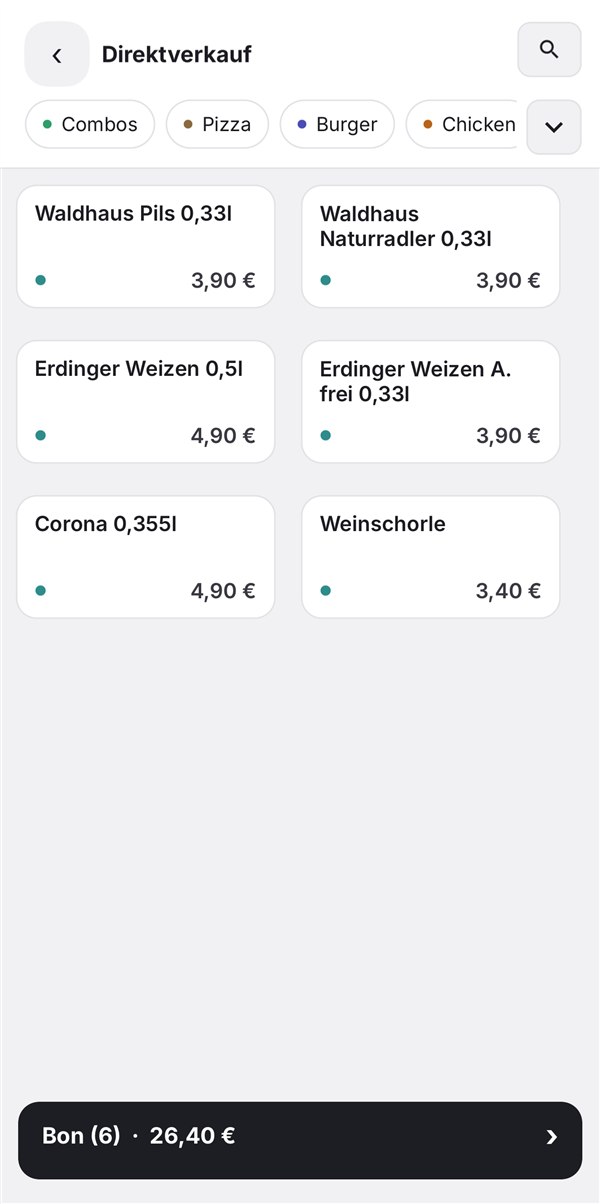
- Wireless with battery, same menu as POS and kiosk
- Rent it, no upfront cost
Floor plan just like in your restaurant
Create rooms and tables freely. Long-press a table and drag it onto another to move or merge orders, even across rooms.
Quick sale
For counter and takeaway: eat in or take away, with a pager number if you like, without going through a table.
Courses, splitting, partial payment
Send starters and mains to the kitchen separately. Split bills by item and take payment for each one separately.
Shift and cash count
Open and close the shift right from the home screen. A shift can only be closed once no checks are open.
Staff and permissions
Log in with a PIN or a tap. Everyone sees only what they're allowed to.
Clear feedback
After every payment, the POS shows the amount in large green numbers. If something goes wrong, the screen turns red.
What's included
- Runs on the iPhones, iPads and Android devices you already have
- Multiple devices work on the same table at the same time, without anything getting lost
- Orders are saved locally in case the internet drops briefly
- Network receipt printer, cash drawer, card terminal
One menu for everything
POS, kiosk, kitchen display and menu board use the same items and prices. If you change something in the back office, it applies everywhere immediately.
Questions about POS
Which devices do I need?
An iPhone, iPad or Android device is enough. For receipts and tickets, a network receipt printer; for card payments, a terminal (Stripe S710 rental or an existing ZVT terminal).
What happens when several devices edit the same table?
The server merges all changes. If a check changed during payment, the POS reports it instead of booking a wrong amount.
Can I import my menu?
Yes. The menu is managed in the back office and applies to the POS, kiosk, kitchen display and menu board at the same time. You can import it from other POS systems.
Try free for 30 days
No payment details. Cancel monthly.