
Der Auffälligkeiten-Bericht zeigt dir, bei welcher Bedienung Stornos, Rabatte und wieder geöffnete Bons im Verhältnis zum Umsatz auffallen. Ein Hinweis ist kein Beweis: Es gibt oft gute Gründe. Der Bericht zeigt dir, wo sich ein Blick lohnt.
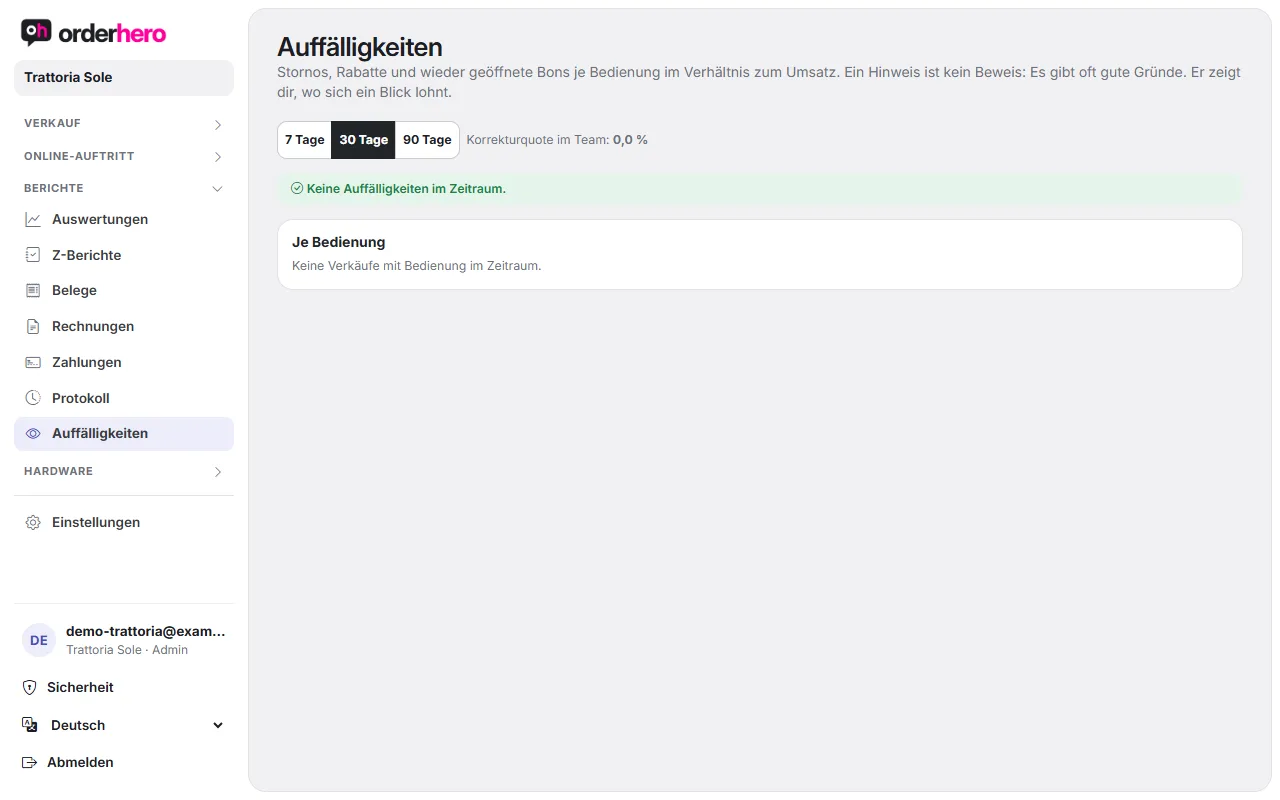
Du findest ihn unter Berichte → Auffälligkeiten. Oben wählst du den Zeitraum.
What the report shows
- Korrekturquote im Team: Der Durchschnitt aller Bedienungen.
- "Per server" table: Tickets, sales and the columns Item void, Receipt void, Discounts, Price changed, Removed and Reopened. The rate is also shown.
- Rate: Voids and discounts divided by the server's sales. "Removed" are items taken off the check before payment. They don't count toward the rate.
- Markierte Zeilen: Die Zeile einer Bedienung ist gelb markiert, mit einer roten Begründung. Das passiert, wenn die Korrekturquote bei mindestens 20 Korrekturen mehr als doppelt so hoch wie im Team ist (und mindestens 3 Prozentpunkte darüber liegt), wenn mindestens 2 bezahlte Bons wieder geöffnet wurden oder wenn mindestens 3 komplette Belege storniert wurden.
- Biggest voids and discounts: A list with time, server, type, amount and details.
If there's nothing unusual, it says “No anomalies in this period”.
Reopened after payment
A separate section shows checks that were reopened after payment and then changed. This is the typical way to reduce an amount that was paid in cash after the fact. Check whether there was a reason, for example a complaint. For each case you see when the check was opened, the check number, the server and what happened afterward.
So nutzt du den Bericht
- Select a period, for example last month.
- Compare each server's rate with the team.
- If you notice anything unusual, open the log (Reports → Log) and check the details. It shows who did what and when.
- Talk to the server. There's often a good reason.
Good to know
Voided receipts always remain traceable because every void creates a TSE-signed reversal receipt. Only managers can void.