
You can run your website under your own address, for example www.restaurant-muster.de. The domain stays with your provider (IONOS, Strato, All-Inkl and others). Your emails won't change either. You only set one record there. The certificate for https is handled automatically.
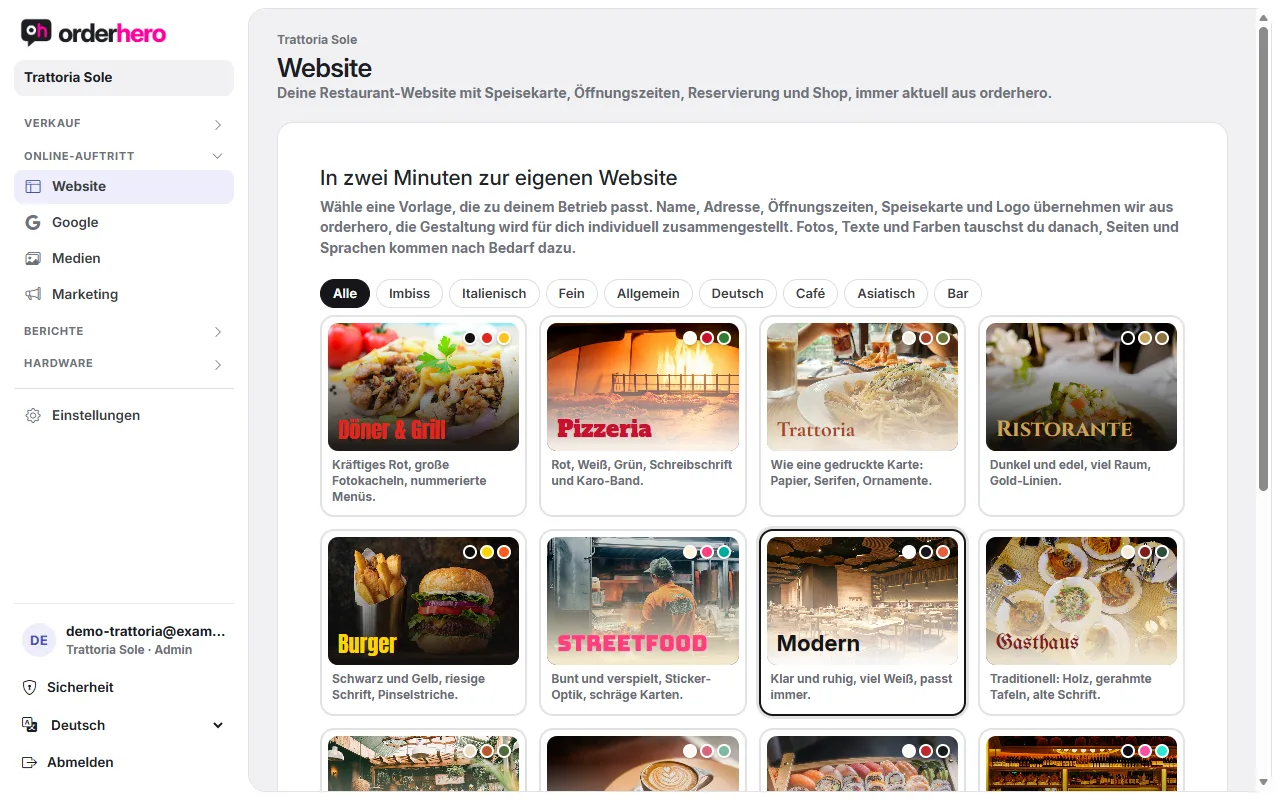
Connect domain
- Open Online presence → Website and switch to the "Domain" tab.
- Enter your address under "Custom domain", for example www.restaurant-muster.de.
- Tap “Connect”. You can change a domain that's already entered with “Change” or remove it with “Remove”.
Danach zeigt orderhero „Warten auf den Eintrag bei deinem Anbieter“ und eine Tabelle mit den nötigen DNS-Einträgen.
Set DNS records with your provider
Open the DNS settings with your domain provider and create these records. The values appear exactly like this in the "Domain" tab. Use the copy icon to copy them.
| Typ | Name | Ziel |
|---|---|---|
| CNAME | www | sites.orderhero.net |
| A | @ (without www) | the IP address from the table |
- The CNAME record for www is required.
- The A record is optional. It makes sure the address also works without www. We then redirect to the www address. Alternatively, your provider may offer a redirect to www.
- If a record (A or CNAME) already exists for www, replace it instead of creating a second one.
- Don't touch MX records (email). Then your emails will keep working as before.
- On Cloudflare, set the record to “DNS only” (gray cloud).
Check
Tippe auf „Jetzt prüfen“. Sobald der Eintrag erkannt wird, steht dort „… ist verbunden“ und in der Tabelle erscheint ein grünes „ok“. DNS-Änderungen können einige Zeit brauchen, bis sie überall gelten. Prüfe dann später erneut.
If the domain isn't connected
- Prüfe, ob der Name im DNS-Eintrag genau www lautet und das Ziel genau sites.orderhero.net.
- Check that there aren't two entries for www.
- On Cloudflare, the gray cloud (“DNS only”) must be active.
- Until the domain is connected, the website is available at sites.orderhero.net.