
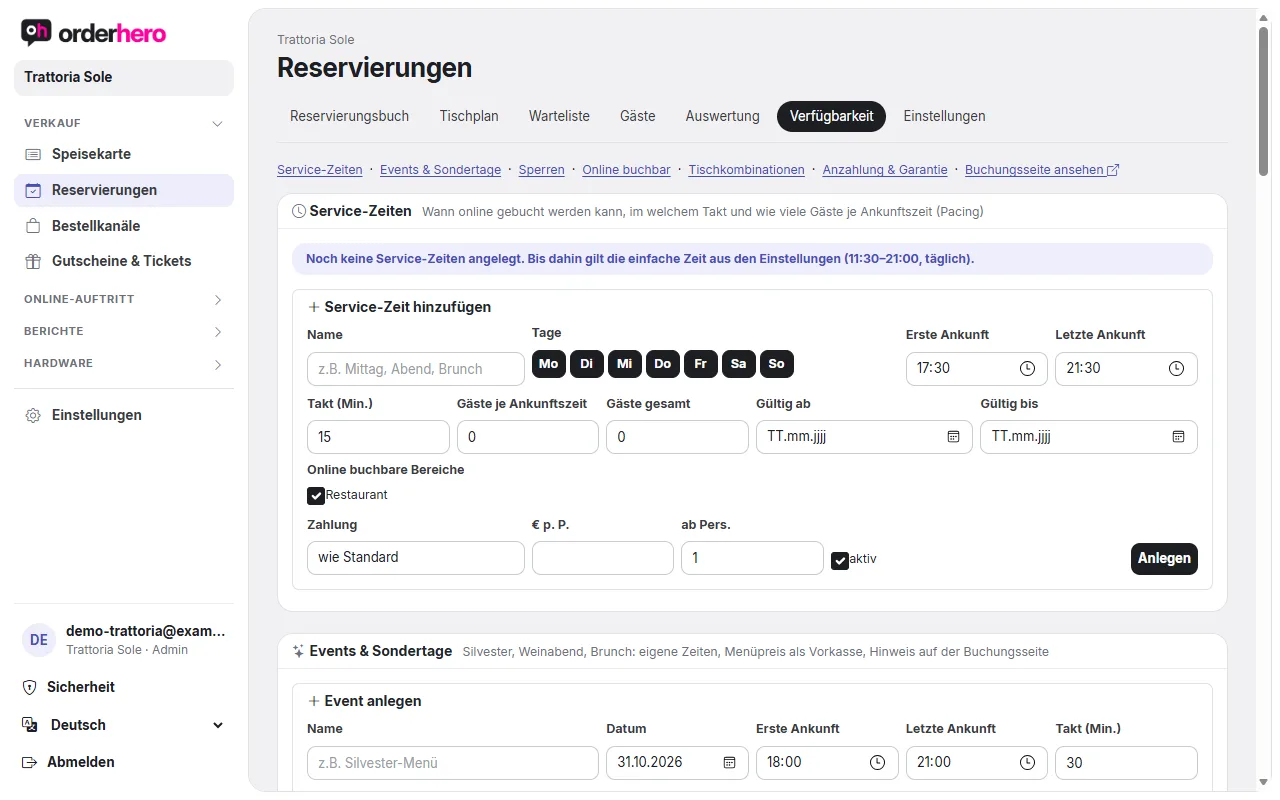
A deposit or card guarantee protects you from no-shows. You set up both under Reservations → Availability, in the “Deposit & guarantee” section.
Requirement
Stripe muss verbunden sein (Einstellungen → Kartenzahlung). Bis dahin nimmt orderhero Reservierungen ohne Zahlung an.
The variants
- No payment: Default.
- Credit card guarantee (no-show fee): The guest stores their card with Stripe. Nothing is charged.
- Anzahlung (sofort bezahlt): Der Betrag wird sofort bezahlt. Storniert der Gast rechtzeitig, wird er automatisch erstattet. Wer die Zahlung nicht innerhalb von 30 Minuten abschließt, verliert die Reservierung.
Set up
- Open Reservations → Availability → Deposit & guarantee.
- Choose the default for online bookings.
- Enter the amount p. P. (per person), “from persons”, “Free cancellation up to … hrs before” and “Bookable up to … days”.
- If needed, write your own cancellation policy. Empty means the default text.
- Choose the VAT for the deposit (0% like a voucher taxed on redemption, recommended, or 19% or 7% as a deposit invoice) and for the no-show fee (19% as a fee or 0% as damages).
- Tap “Save”.
You can set different rules per service time, for example only on Saturday evenings or only for 6 or more guests. For events, you can require prepayment with price tiers, such as for children and adults.
Please confirm the tax treatment with your tax advisor.
When a guest doesn't show up
- Öffne das Reservierungsbuch und klicke die Reservierung an (Zeitachse) oder nutze die Liste.
- Set the status to “No-show” (or “Cancelled”).
- If the guest has saved a card guarantee, “Charge fee” appears. Confirm the amount. The fee will be charged to the saved card.
Mit „Anzahlung erstatten“ gibst du eine bezahlte Anzahlung ganz oder teilweise zurück.
Invoices and accounting
Zu jeder Anzahlung, Gebühr und Erstattung entsteht automatisch eine Rechnung. Sie geht als PDF an den Gast und ist im DATEV-Export enthalten. Unter Einstellungen → Buchhaltung (DATEV) findest du die „Belege aus Reservierungen“.
Notes
- No-shows are counted in the guest profile and shown as a note in the reservation list.
- Event tickets also work as a deposit per person. See “Selling vouchers and event tickets”.